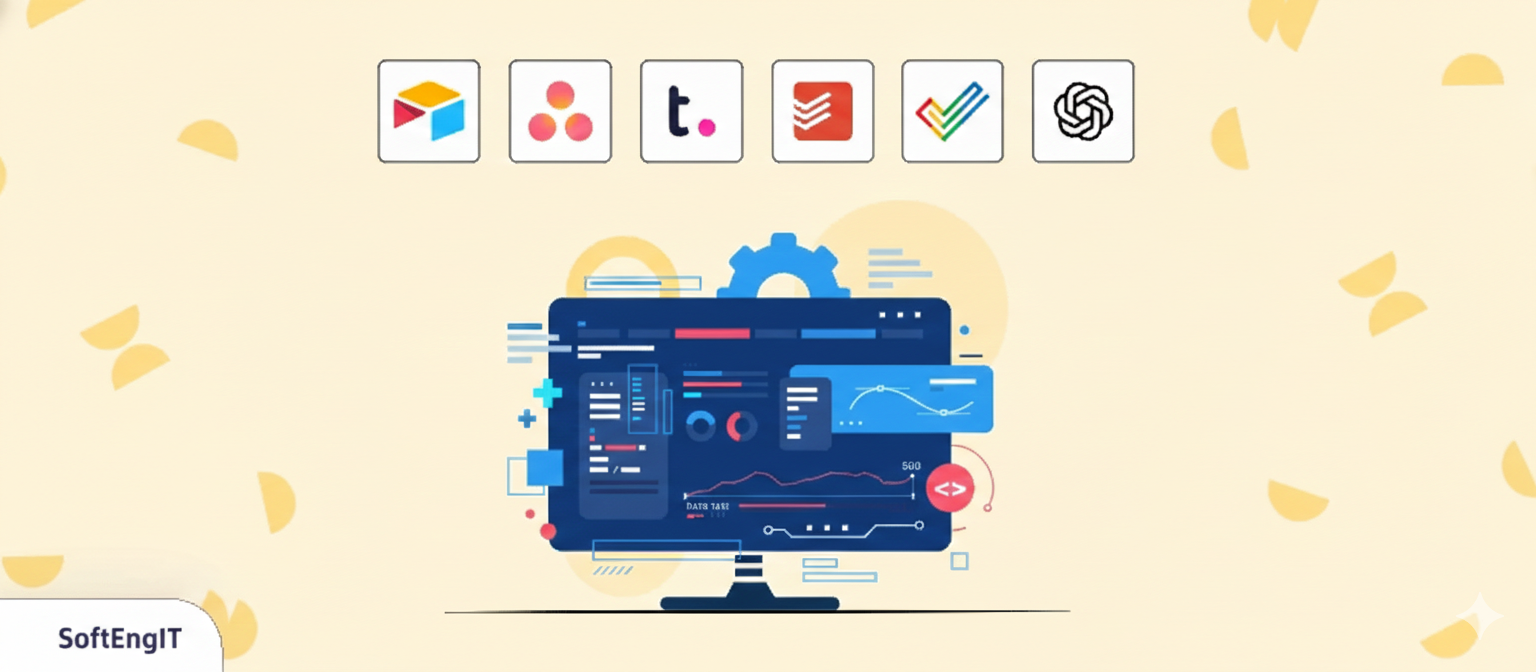








Before investing in custom software, most businesses rely on off-the-shelf productivity apps to streamline operations, improve collaboration, and gain visibility into daily work. These tools are highly effective at early and mid-stages, providing the flexibility needed to experiment with workflows without the six-figure price tag of bespoke development from an app development company.
However, as teams scale, these same tools begin to reveal clear limitations. The "app fatigue" sets in, data silos emerge, and manual workarounds start to drain your ROI.
This article covers the six essential productivity apps businesses adopt first, why they are the gold standard for growth, and most importantly the specific "friction points" that signal it’s time to move toward a custom app development.
Airtable is a cloud-based platform for creating and sharing relational databases. But unlike other relational databases, it doesn't require any programming knowledge. The user-friendly interface allows anyone to spin up a database in minutes; if you've used a spreadsheet, you can use Airtable.



 ADVICE
The Threshold: When Airtable becomes the backbone of your business, but you spend your time fixing manual errors or worrying about data security.
The Solution: You need a custom system where rules and permissions are baked into the code making it impossible for users to "break" the system.
Asana is a visual project management tool designed to help teams orchestrate their work—from daily tasks to strategic initiatives.
 ADVICE
The Threshold: When your team spends more time "managing Asana" than doing the actual work.
The Solution: Move to a custom workflow app that automates the status updates based on your team's real-world actions.
Teamwork is a project management suite specifically optimized for agencies and service-based businesses that need to manage billable hours and client visibility.
 ADVICE
The Threshold: When the software's rigid templates start preventing you from delivering your service in your own unique way.
The Solution: Build a bespoke agency platform that gives you the exact reporting you need without the "per-seat" tax.
Todoist is a high-speed task manager known for its simplicity and ability to capture ideas the second they happen.
 ADVICE
The Threshold: When you need your "To-Do List" to actually talk to your CRM or Financial data.
The Solution: A centralized operations hub that links daily tasks to real-time company revenue and goals.
Zoho Projects is a feature-rich tool that appeals to businesses already using the wider Zoho ecosystem for CRM or Finance.
 ADVICE
The Threshold: When the "clunkiness" of the interface leads to employees making errors or avoiding the software entirely.
The Solution: A clean-slate custom app that only includes the 5 features your team actually uses, removing 90% of the clutter.
ChatGPT is the leading AI tool used by businesses for rapid drafting, research, and technical brainstorming.
 ADVICE
The Threshold: When you want the power of AI to work directly with your private internal data without manual "copy-pasting."
The Solution: An Internal AI Agent—a custom app that uses a private version of ChatGPT to answer questions about your specific company history.
Productivity apps are excellent starting points, but growing organisations face challenges such as:
Off-the-shelf productivity tools work well when teams are small, but as organisations grow, they reveal limits. Data gets fragmented across multiple apps, workflows become inconsistent, and SaaS subscription costs rise with each additional user. These issues slow operations and reduce visibility, making it hard to scale efficiently.
When processes become multi-step or involve multiple systems, manual handoffs are often needed. This increases the risk of errors, delays reporting, and consumes valuable employee time. Custom software eliminates these bottlenecks by automating workflows and centralising operations.
Standard tools often generate generic reports that do not reflect the company’s real operational data. Leadership ends up waiting for insights or manually reconciling data, delaying decisions. Custom solutions provide accurate, real-time reporting tailored to specific workflows.
Generic software is designed for broad use, not for a company’s unique operations. When processes diverge from what SaaS tools can handle, businesses face inefficiency, workarounds, and higher operational risk. Custom software aligns exactly with business needs, improving productivity and ROI.
 WHY
WHY
Custom productivity apps unifies data, automates complex processes, gives real-time insights, and grows with your business. It’s an investment in operational efficiency and ROI.
Most businesses begin with off-the-shelf productivity apps but growth eventually exposes their limits. The smartest organisations recognise when these tools no longer enable efficiency and instead create friction.
That’s when custom software stops being a cost and becomes a strategic advantage, streamlining operations, reducing errors, and unlocking scalable growth.

Kalrav Vaidya is a MBA professional who had aspirations to work in the IT sector. Starting his career as Business Analyst, he quickly climbed the ranks to become a dedicated project manager and delivery manager and handles the custom app development projects.
He has a knack of being cool under pressure which makes him one of the top choices for the clients to handle the projects. He wishes to attain the PMP and CSM certification soon to add feathers to his hat.

Get the latest news and updates from SoftengIT, right in your inbox.
© 2026 SoftengIT. All rights reserved.